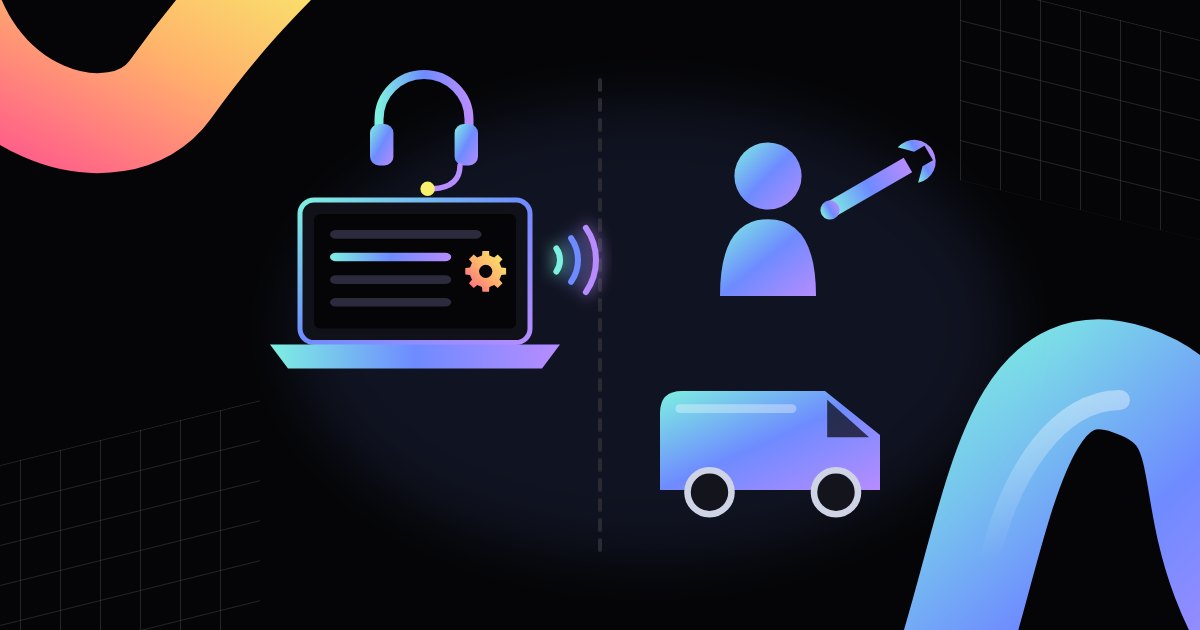
Not every fault needs a service call-out. Some problems are solved remotely, saving time.
- Telemetry: the machine online
- What can usually be done remotely
- Price and menu changes without a visit
- Reading errors from afar
- Restarting a module
- Software updates
- Operating hours and energy-saving modes
- Stock levels are visible from the operator's office
- Payment taken, no product
- What needs a visit
- Jams and mechanical problems
- Cooling and heating
- Remote diagnosis before the trip
- How to report faults
- What you can do while you wait
- When a remote restart is not enough
- Signal and connectivity
- What to ask when choosing an operator
- A line that keeps moving
- FAQ
The office vending machine shows an error message. You call the operator, and the person on the other end says, "One moment, I'll check remotely." Two minutes later the machine works. Another time, the same call ends with a visit booked for the next day. Why the difference? Not every fault can be fixed over the internet, and not every fault needs someone on site. This post explains what can usually be done remotely, what needs a technician in person, and how to report a problem so everything goes faster.
Telemetry: the machine online
Remote support is only possible when the machine has telemetry. That is a module that connects the machine to the operator's system, usually over a cellular network or the building's internet. Telemetry sends data on sales, stock levels, temperature, and errors. In the other direction, it lets the operator send setting changes to the machine. Not every machine has such a module. Older machines often run fully locally. Can every machine be supported remotely? Only those with telemetry and remote configuration. The range of remote functions depends on the model, the software, and the system the operator uses.
What can usually be done remotely
Remotely, operators can usually change settings, prices, and menus, restart some modules, update software, and diagnose errors from telemetry data. Typical remote tasks include:
- price and menu changes,
- software updates,
- reading errors and alarms,
- restarting some modules, if supported.
That is a lot, though not everything. Many small problems come down to settings, or to a module that froze after a brief loss of connection. Issues like these can often be solved without anyone leaving the operator's office.
Price and menu changes without a visit
It used to be that every price change meant a visit to the machine. Someone had to open the door, enter the service menu, and change the values by hand. With telemetry, the operator can do it from a computer. The same goes for the menu. If a product has run out and will not come back, it can be hidden. If a coffee machine gets a new drink, the recipe can be sent to the machine remotely, if the system supports it. That is convenient for both sides. The customer sees changes sooner, and the operator does not send a technician just to press a few buttons.
Reading errors from afar
The machine stores error messages and alarms in memory. When it has telemetry, it sends them to the operator's system. The technician can see what happened and when. Whether the water ran out, the temperature rose, or the card reader lost its connection. Sometimes they see the problem before anyone in the office notices. That helps a lot with diagnosis. Instead of guessing from a report that says "the machine doesn't work," the technician has a specific error code and an event history. Reading an error does not always mean it can be fixed remotely, though. Often it simply shows what to bring on the visit.
Restarting a module
Many small faults disappear after a restart. This applies especially to electronic parts: the card reader, the payment module, the communication module. If the system allows it, the operator can restart a chosen module remotely. There is no need to switch off the whole machine. Is a remote restart safe for data? Usually yes, settings and counters are stored in memory. A restart will not fix a fault with a mechanical cause, or one that keeps coming back. If the machine has to be restarted every day, something deeper needs a technician's attention.
Software updates
The machine's controller and its modules run on software. The manufacturer releases fixes from time to time. They can remove bugs, add support for new payment methods, or improve how components work. On machines with telemetry, an update can often be installed remotely. The operator usually picks a time when nobody is using the machine, such as overnight. An update still calls for care. If it is interrupted halfway, the machine may end up needing a visit. That is why the operator decides on updates according to the manufacturer's guidance, not the user.
Operating hours and energy-saving modes
Some settings that affect daily use can also be changed remotely. That includes, for example, the hours of the energy-saving mode or the lighting. If the team starts work earlier and the first morning coffee takes too long, the operator can move the machine's wake-up time. If the office is closed on weekends, the machine can run more economically then. What can be set depends on the model and the operator's system. Not every machine offers this. Still, it is worth asking before you assume it has to wait for a technician's visit.
Stock levels are visible from the operator's office
Telemetry is not only about faults. The operator also sees how many products are left in the machine and what sells fastest. That lets them plan restocking before the spirals run empty. It is not a repair, but it often prevents reports like "there's nothing in the machine." Empty slots are the most common user complaint, and they are not always caused by a fault. Restocking still needs a visit, because the products will not arrive on their own. The difference is that the visit is planned, not forced by an empty machine on Monday morning.
Payment taken, no product
This is one of the most common situations at a vending machine. The customer paid by card, and the product jammed or the drink was never made. Telemetry can show that the transaction went through and that the selection reported an error. That makes it easier for the operator to check the report. Refunds, and how they are handled, depend on the operator and their procedures. We do not describe them here. It does help to note the time, the product, and the amount, and to take a photo of the screen. With those details, the operator can find the transaction in the system more easily. The stuck product still has to be removed on site.
What needs a visit
Mechanical faults, cooling issues, jams, restocking, and part replacements need a visit. No software can pull a stuck can off a spiral. No restart will replace a worn seal or clear a clogged drain. Cooling and electrical work is done on site by someone with the right qualifications. Cleaning takes hands. Restocking takes products. So the line is fairly simple. If the problem involves settings, data, or electronics that froze, there is a chance of a remote fix. If it involves something that moves, leaks, heats, or cools, a technician is needed.
Jams and mechanical problems
Jams are the most common reason for a visit. A product got stuck on the spiral, a cup wedged in the dispenser, a coin blocked the slot. Telemetry can show that something is wrong. It may even point to which selection is not dispensing. It will not remove the obstruction, though. The same goes for mechanical repairs: a worn gear, a broken spring, a loose door part. A technician has to see it, assess it, and replace the part. Remote data helps plan the visit. The technician knows which module failed and can bring the right parts the first time, instead of coming twice.
Cooling and heating
Temperature problems are a category of their own. A drinks machine that is too warm, or a coffee machine with lukewarm water, are symptoms telemetry picks up quickly. The cause can be in many places, though. A dirty condenser, a leaky door, a worn heating element, scale in the boiler, a fault in the cooling system. Some of these only need cleaning, some need a part replaced, and some need a refrigeration specialist. Remotely, it is sometimes possible to check the temperature settings or the energy-saving mode. If that does not help, someone has to come and look inside.
Remote diagnosis before the trip
Remote diagnostics do let technicians bring the right parts. That is their biggest value, even when the repair needs a visit. A technician who knows what happened arrives prepared. They do not have to diagnose first, then drive off for a part, then come back. For the office, that means less downtime. For the operator, fewer miles and less wasted time. So even for mechanical faults, it is worth having a connected machine. Telemetry data turns a "let's take a look" visit into a "let's fix it" visit.
How to report faults
A description and the display message speed up diagnosis. Even if the machine has telemetry, your observations are valuable. Include:
- what happened and with which product or drink,
- what message appeared on the screen,
- whether the payment was taken,
- whether the problem affects one selection or the whole machine,
- how long it has been happening and whether it repeats,
- a photo of the screen or of the problem spot.
Contact channels are on the support (publisher's site) page.
What you can do while you wait
When the machine is down and the technician is coming later, you can limit the trouble. A note saying the machine is out of order and the fault has been reported saves people lost money and frustration. If only one selection is broken, the operator may be able to disable it remotely, if the system allows it. The rest of the machine keeps working. Do not try to fix the machine yourself unless the manual allows it. Do not cut the power without talking to the operator. Switching off can erase information that would help with diagnosis, and in a refrigerated machine the products will start to warm up.
When a remote restart is not enough
Sometimes the operator restarts a module remotely and the problem comes back the next day. Or every few hours. That is important information. A fault that keeps returning despite restarts usually has a cause that software cannot remove. It may be a damaged cable, a part that overheats, or a weak network signal where the machine stands. If you see the same message come up regularly, say so clearly in your report. "This is the third time this week" is a sentence that often speeds up the decision to send someone.
Signal and connectivity
Telemetry needs a connection. A machine in a basement, in a hall with thick walls, or in a spot with weak coverage can lose its connection. Data then reaches the operator late or not at all. Remote functions stop working exactly when they are needed. If the machine often drops offline, the operator may suggest a different antenna, a different connection method, or moving the machine. Sometimes connecting to the building's network helps. That needs approval from whoever handles IT at your company, though. Settle it at the start, not at the first breakdown.
What to ask when choosing an operator
If you are choosing an operator or a machine, ask about support. Does the machine have telemetry? Which tasks does the operator handle remotely? How fast do they respond to a report, and how fast does a technician arrive when a remote fix is not possible? How are faults reported: by phone, email, a form, a code on the machine? Does the operator spot problems through telemetry, or wait for a report? Response times should be written into the contract. The answers say more about service quality than any equipment catalog.
A line that keeps moving
The scope of remote support keeps growing. Newer machines have more sensors, more modules that can be restarted, and more settings available through the system. What used to need a visit can now be a few clicks. That does not mean technicians will stop coming. A vending machine is still a machine with moving parts, water, cooling, and products someone has to load. Remote support does not replace visits. It makes them less frequent, shorter, and better prepared. For an office, that is the difference that matters most.
Related reading: Vending Machine Wear Parts.
FAQ
Can every machine be supported remotely? No. Only those with telemetry and remote configuration.
Is a remote restart safe for data? Usually yes, settings and counters are stored in memory.
Can a product jam be cleared remotely? No. Jams, mechanical repairs, and restocking need a visit on site.
Why report a fault if the operator has telemetry? Because your description and a photo of the screen add to the machine's data and often speed up diagnosis.