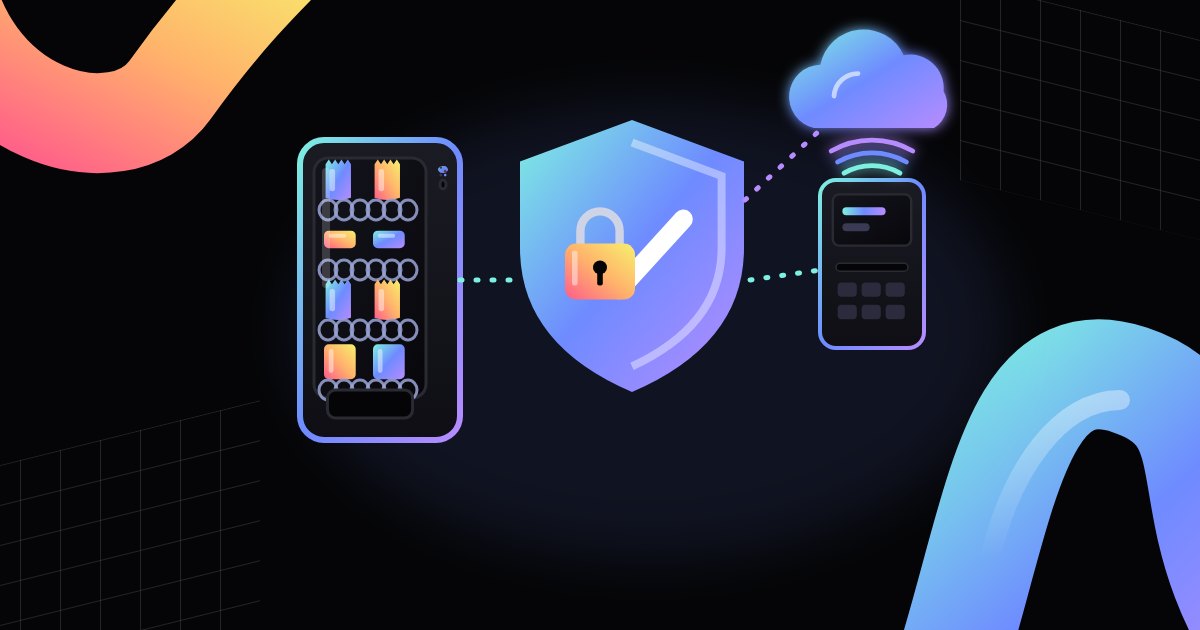
A machine with telemetry and a card reader is a networked device. Like any such device, it needs basic security hygiene.
- The core rules
- Why it matters
- Good practices
- Strong passwords
- Limited access
- Default settings
- Software updates
- Network separation
- A modem instead of the site network
- Who is responsible for what
- Payments and card data
- Physical security
- Monitoring
- When something goes wrong
- Can a machine threaten the company network
- Talking to the location's IT team
- Choosing suppliers
- Training your team
- Device inventory
- Backing up settings
- Your team's mobile devices
- Access for outside technicians
- Remote connections
- Security review
- New machines in the fleet
- Retiring a machine
- Talking to customers
- A security budget
- Common mistakes
- How to get started
- FAQ
A modern vending machine is more than spirals and a cooling unit. It also has a controller running software, a card reader, a telemetry module, and a network connection. Every networked device needs protection, and a vending machine is no exception. This guide covers the basics: what to secure, who is responsible for what, how to talk to the location owner, and which simple habits cut the risk significantly.
The core rules
A connected machine should run up-to-date software, have protected access to its management system, and – if it uses the building's network – be properly separated from it. The reader supplier and payment provider are primarily responsible for payment security; the machine operator handles the rest of the system. These are the three pillars to start with: updates, access control, and network separation.
Why it matters
A networked machine can be a target like any other device. A weak password on the management panel could let someone change prices, switch off sales, or see sales data. A machine connected to the building network without separation could become a way into other systems. Good security protects the operator, the location owner, and customers.
Good practices
The basic good practices are:
- strong passwords and limited access to the management panel,
- regular software updates,
- a separate network for devices if the machine uses the building's Wi-Fi,
- changing default access settings.
Each one is covered in more detail below, with practical tips.
Strong passwords
The password for the fleet management panel and the machines' service menu should be long, unique, and hard to guess. Don't reuse the same password across systems. A password manager helps store passwords securely and share them only with the people who need them. If the system supports two-factor authentication, turn it on.
Limited access
Not every employee needs full access to the system. Route staff may only need to see stock levels and report faults, while changing prices or settings can be limited to a few people. Grant permissions by role and review them regularly. When someone leaves the company or changes jobs, update their access right away.
Default settings
Many devices leave the factory with default passwords and settings. These are often publicly known, so leaving them unchanged is one of the most common risks. When setting up each machine, modem, or reader, change the default passwords and switch off features you don't use. Record what was changed in your documentation.
Software updates
Manufacturers release updates that fix bugs and security issues. Decide who in the company tracks updates for controllers, telemetry modules, and apps, and how often they are installed. If updates are pushed remotely, check that they went through. For older devices, ask the manufacturer how long they will be supported.
Network separation
A separate network for devices if the machine uses the building's Wi-Fi is the foundation. The machine shouldn't be on the same network as employees' computers or building systems. The location's IT team can usually set up a separate network for devices. Ask about this before connecting the machine, and agree which connections it needs.
A modem instead of the site network
A cellular modem keeps the machine off the building network. Device information is on the page with vending machines (publisher's site). This option often makes the conversation with the location owner easier, because the machine doesn't use their network at all. Check coverage where the machine will stand and the cost of data.
Who is responsible for what
It is worth spelling out responsibilities in the agreement between the site and the operator, especially when the machine uses the site's network. Agree who configures the network, who monitors it, who updates the devices, and who must be told when something looks suspicious. It is worth drafting those contract terms with a lawyer.
Payments and card data
Is card data stored in the machine? Card data is handled by the reader and payment provider under payment industry standards. For operators, that means choosing reputable reader and payment providers and following their guidance. Ask your provider how it secures transactions and how it announces reader updates.
Physical security
Cybersecurity starts with the lock. Anyone who can open the machine has access to the controller, service ports, and modem. Use sturdy locks, keep track of keys, and check the cabinet for signs of tampering. Service ports shouldn't be reachable from outside. At every visit, glance at the card reader to make sure there are no foreign overlays on it.
Monitoring
Telemetry is about more than stock and sales. It can also show unusual events: settings changes, logins at odd hours, lost connections. Decide who reviews this information and how they respond. A sudden price change or sales being switched off without the team knowing is a sign to check who has access to the system.
When something goes wrong
Prepare a simple incident plan. Who makes decisions? How quickly can passwords be changed and access cut off? Who needs to be notified: the system provider, the payment provider, the location owner? Keep all contacts in one place. Discuss any legal obligations after an incident with a lawyer.
Can a machine threaten the company network
Can a machine threaten the company network? Any networked device needs protection. Separating the machine reduces risk. The location owner may ask the operator about security, and the operator should be able to answer in concrete terms.
Talking to the location's IT team
The IT team at an office or plant often has its own requirements. Prepare a short brief about the machine: how it connects, what connections it makes, how it is updated, and who has access to it. Ask whether they prefer a separate network or a cellular modem. Clear information speeds up approval to connect.
Choosing suppliers
When choosing controllers, telemetry, and readers, ask suppliers about their approach to security: how often they release updates, how they report problems, and what access controls they offer. Compare the answers from several suppliers. Have a lawyer review the contract terms.
Training your team
Most problems start with people, not technology. Train your team: how to create strong passwords, how to spot suspicious messages, what not to leave in the route vehicle, and how to report anything unusual. Short reminders every so often work better than one long training session.
Device inventory
You can't secure what you don't know about. List every device in the fleet: machines, controllers, modems, readers, telemetry modules. For each one, record the model, serial number, software version, how it connects to the network, and its location. Update the list with every change. An inventory like this makes it easier to plan updates and to react fast when a manufacturer announces a problem with a model.
Backing up settings
Machine configuration, prices, selections, and telemetry settings are data worth saving. If a controller is replaced or settings are changed by mistake, a backup lets you restore the right state quickly. Check whether the management system lets you export settings, and do it regularly. Store backups somewhere safe with limited access.
Your team's mobile devices
Route staff often use phones or tablets with access to the system. Those devices need protection too: a screen lock, an up-to-date operating system, and apps only from official sources. Decide what to do when a work phone is lost or stolen, and how fast its access to the system can be cut off.
Access for outside technicians
If you use an outside service company, its technicians may need access to the service menu or panel. Give them access only for as long as the work takes and only to the functions they need. When the cooperation ends, remove their access and change any passwords they knew. Set out the access rules in the service agreement.
Remote connections
Remote access to machines and the panel is convenient but calls for care. Use the encrypted connections the system provider recommends. Don't share login details over open channels such as plain text messages or unprotected email. Turn off remote access to features you don't use.
Security review
Every so often, go through a simple checklist: have passwords been changed, do permissions match roles, is device software up to date, are there unusual events in the logs? Write down the results and plan fixes. A regular review takes little time and catches gaps before they become problems.
New machines in the fleet
Every new machine is a moment when mistakes are easy to make. Prepare a setup checklist: change default passwords, update the software, configure the connection, assign permissions, add the device to the inventory. With a list like this, every device starts with the same protections, no matter who sets it up.
Retiring a machine
When a machine is retired, sold, or moved, take care of its data. Remove the device's access in the system, reset the settings as the manufacturer describes, and delete stored network logins. Unlink the modem from the operator's account. Update the inventory. That way the device doesn't keep access to your systems after it changes hands.
Talking to customers
Customers rarely ask about machine security, but they notice when something is off. If a card reader looks damaged or the machine behaves strangely, customers should know where to report it. A sticker with a contact number or a code for reports helps you respond quickly. Check every report and get back to the customer.
A security budget
Security doesn't have to be expensive, but it is worth setting aside money and time for it. A password manager, cellular modems instead of the site network, updates, and training are costs that are easy to plan. Compare them with the cost of downtime or lost customer trust after an incident. Prevention usually comes out far cheaper.
Common mistakes
A few mistakes come up again and again:
- default passwords left unchanged,
- one password for the whole team,
- the machine on the same network as company computers,
- no updates for a long time,
- former employees still having access to the system.
Each one is easy to fix with a simple checklist.
How to get started
You can work through a few steps:
- list your devices and how they connect to the network,
- change default passwords and set role-based permissions,
- set an update schedule,
- agree network separation or a modem with your locations,
- spell out responsibilities in the agreement,
- prepare an incident plan.
These steps don't take big spending, and they cut the risk significantly.
Related reading: Vending Machine Connectivity and Vending Telemetry.
FAQ
Can a machine threaten the company network? Any networked device needs protection. Separating the machine reduces risk.
Is card data stored in the machine? Card data is handled by the reader and payment provider under payment industry standards.
This article is general information only and is not legal advice. Rules change – check the current rules or consult a lawyer before deciding.