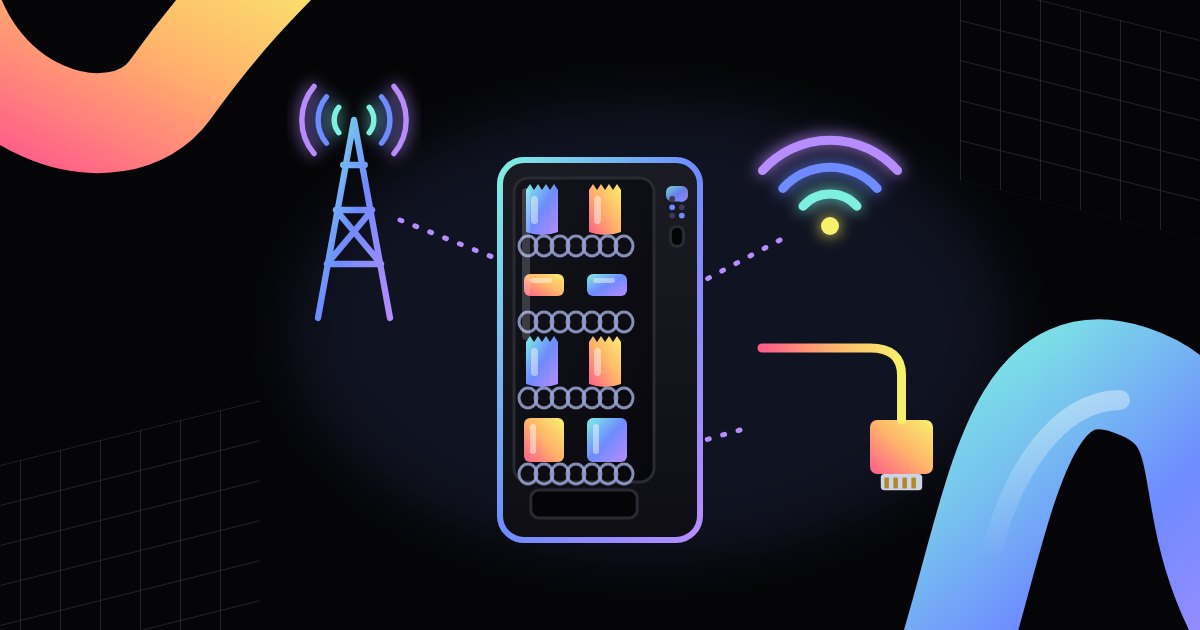
Card payments and telemetry need connectivity. The right technology depends on where the machine stands.
- Why a machine needs the internet
- The cellular modem is the most common choice
- Signal is a requirement, not a detail
- What weakens the signal
- The external antenna
- The building's Wi-Fi
- A network cable
- Network security
- When the connection drops
- Telemetry in practice
- Remote price and menu changes
- Several machines in one place
- Changes in the building
- Example: a machine in an office basement
- Who is responsible for what
- What to check before you decide
- FAQ
The machine stands in a corner of the hallway and looks self-sufficient. It has power, products, and a card reader. But when you tap your card, the device has to talk to someone far away at that very moment. Without a network connection, a card payment usually won't go through, and the operator won't find out the water has run out. This post explains how vending machines connect to the internet, how a cellular modem differs from Wi-Fi and cable, what to check at the installation spot, and whom to talk to before the machine moves in.
Why a machine needs the internet
A network connection helps a machine with several things. The first is cashless payments. The card reader has to send an authorization request and get an answer. The second is telemetry, which means sending the operator data on the device's status: sales, stock levels, temperature, or errors. The third is remote changes, such as prices or the menu, without a technician's visit. Not every machine uses all of these features. A simple coin-only machine can run without a network for years. But the more features a machine has, the more its connection matters as much as its power supply. When the connection is missing, the machine still works, just with fewer capabilities.
The cellular modem is the most common choice
In vending, you will most often find a cellular modem with a SIM card. It works much like a phone. It connects to a mobile carrier's network and sends data without touching the building's infrastructure. That is a big advantage. The machine operator doesn't have to ask the IT team for access to the company network, and the machine can move to another spot without new arrangements. All it needs is signal. The modem may be built into the card reader or the telemetry module. Sometimes one modem serves both. The operator knows how a particular machine is set up. The SIM card is usually paid for by the machine operator or the telemetry provider, as they have agreed.
Signal is a requirement, not a detail
A cellular modem only works where there is signal. In an open-plan office on an upper floor, that is rarely a problem. In a basement, a thick-walled hall, an underground garage, or a room with a steel frame, the signal can be weak or disappear. The symptoms are familiar. Card payments take a long time or fail, and data reaches the operator late. The phone in your pocket may not reveal the problem, because it uses a different network or has a better antenna. So check the signal exactly where the machine will stand, not two yards away by the window. The operator usually has the right tools for this. It is best to measure at different times of day, since the network is often busier at peak hours.
What weakens the signal
Weak signal isn't always about distance from the cell tower. Often the machine's surroundings are to blame. Metal shelving, server cabinets, elevator shafts, reinforced concrete walls, or heat-reflective coated windows can weaken the signal a lot. Sometimes moving the machine a few yards is enough to fix things. Sometimes the problem only appears after the surroundings change, for example when a new cabinet goes in next to the machine. If payments have suddenly started taking longer, think about what changed nearby recently. That information helps a technician a great deal. Without it, they look for the cause in the device while it is standing three feet away.
The external antenna
When signal at the installation spot is weak, an external antenna often helps. The modem connects to it by cable, and the antenna goes where reception is better, such as higher up a wall or closer to a window. That is simpler than moving the machine and requires no changes to the building's network. You do need to agree on where the cable runs and whether the antenna can be mounted there. In a building, the property manager or owner decides that. The operator and their service team know which antenna to use and how to install it. Don't tape an antenna to the window on your own. A badly routed cable is easy to damage during cleaning.
The building's Wi-Fi
A second option is connecting through the building's Wi-Fi. It makes sense where cellular signal is weak and the wireless network in the building works well. It does require cooperation with the IT team or network administrator. A vending machine is an outside device on the company network, so the administrator has to decide whether and how it can connect. Devices like this are often put on a separate network, kept apart from employees' computers. That is the administrator's decision, not the machine operator's. Changes matter too. If IT changes the password or network settings, the machine may suddenly lose its connection. Someone has to know that the operator needs a heads-up.
A network cable
The third option is a wired connection through a network port in the building. A cable usually gives the most stable connection, because it doesn't depend on signal or radio interference. It does have requirements. There has to be a network port near the machine, or one has to be installed. That is a job for an installer, agreed with the property manager and the IT team. As with Wi-Fi, the administrator decides which network the machine can join and on what terms. A cable also limits how freely the machine can move. Shifting it a few yards may mean a new cable run. That is why cable is chosen more often for machines that will stay in one spot for a long time.
Network security
Every device connected to the building's network is a potential risk point for the IT team. A vending machine is no exception. So with Wi-Fi or cable, the administrator may ask the operator for information on the device, how it connects, and what data it sends. That is a normal part of the conversation, not a sign of distrust. The company's IT team sets its requirements according to its own policies. The operator should know them before installation, not after. With a cellular modem, this conversation is simpler, because the machine doesn't use the company network. For many companies, that is the main reason they choose it.
When the connection drops
Even the best connection drops sometimes. A cellular outage, a change to Wi-Fi settings, a cable unplugged while furniture was being moved. What the machine does then depends on the system. Cash sales usually keep working. Card payments may stop, or in some systems switch to an offline mode with certain limits. You can read more in the post on offline card transactions. Telemetry sends the backlog once the connection returns, or loses some of the information. The operator knows the details. What matters for you is knowing how the machine behaves without a network, and whom to tell when something has changed.
Telemetry in practice
Telemetry is one of the main reasons a machine needs connectivity at all. With it, the operator sees what sells, when products run low, and whether the device is reporting errors. They can plan a visit before the machine goes empty and bring what is actually missing. Without telemetry, a technician comes on a fixed schedule and checks the status only on arrival. That works, but it tends to be less precise. What data a particular machine sends depends on the module and the operator's settings. If someone at your company asks what information leaves the building, the operator should be able to describe it in plain words.
Remote price and menu changes
Some systems let the operator change prices, product names, or the drink menu remotely. Without connectivity, such changes need a technician's visit with a service panel or key. That is good news for you, because a request to add a new coffee to the menu can sometimes be handled faster. At the same time, it is worth knowing who has access to such changes and how they are confirmed. Prices and the range are usually set in the agreement or in arrangements with the operator. A remote change shouldn't come as a surprise to anyone at the company. You can read more in the post on remote price and menu updates.
Several machines in one place
Larger sites often have several machines, such as a coffee machine and a snack machine side by side. Each may have its own modem, or they may share one setup, depending on the operator's system. A shared connection simplifies installation, but a failure in one component then affects every device at once. Separate modems are more independent, though in a spot with weak signal each of them will have the same trouble. The operator decides how to set this up. You can ask about the consequences. If one machine loses its connection, will the other still take cards? The answer helps you plan where to put the devices.
Changes in the building
Buildings change. A floor gets renovated, a new tenant moves in, the network is rebuilt, the Wi-Fi access points are replaced. Any of these can affect the machine's connectivity, even if nobody touched the device itself. That is why it helps to put the operator on the list of people told about work that might matter. Not every light bulb swap. Things related to the network, power, and the spot where the machine stands. A short message in advance lets the operator prepare, instead of reacting to a wave of reports from employees who can't buy coffee.
Example: a machine in an office basement
In an office building basement, next to the bike room, stands a drinks machine. Employees complain that card payments take a long time and often fail. The office manager checks the signal on a phone and sees that it is weak. She reports it to the operator. The operator comes, measures the signal, and offers two options: an external antenna by the stairwell or a cable connection to the building's network. The IT team prefers not to let an outside device onto the company network. The property manager agrees to the antenna and a cable run through an existing cable tray. Payments go through in seconds again. The decision took a week, because everyone knew what they were responsible for.
Who is responsible for what
Machine connectivity involves several people at once. The operator is responsible for the modem, the SIM card, the reader, and telemetry. The property manager decides about mounting antennas, cables, and ports. The IT team decides about access to the company network. You, as the person responsible for the machine at your workplace, tie these threads together and collect reports from employees. Write down who is who before the first problem shows up. Then a report saying "card payments aren't working" goes straight to the right person instead of bouncing between three departments. It is a good idea to put who is responsible for connectivity in the agreement with the operator.
What to check before you decide
Before the machine is installed, go through a few questions with the operator:
- what connection does the machine use: a cellular modem, Wi-Fi, or cable,
- what is the signal like exactly at the installation spot,
- can an external antenna be mounted if needed, and who has to agree to it,
- if Wi-Fi or cable is used, does the IT team know and accept how the machine connects,
- how does the machine behave when the connection drops,
- what data does telemetry send, and who has access to it,
- who pays for the SIM card and data.
The page on places for vending machines (publisher's site) has general placement tips. Still, check the signal on site, because no general advice replaces a measurement in that exact corner of the hallway.
FAQ
Does a machine work without internet? Yes, but without online payments and telemetry, unless the system supports offline mode.
Who pays for the SIM card? Usually the machine operator or the telemetry provider.
What if there is no signal at the installation spot? Tell the operator. An external antenna or a connection through the building's network, with IT's approval, often helps.
Does the machine have to use the company network? No. A cellular modem works independently of the building's network.