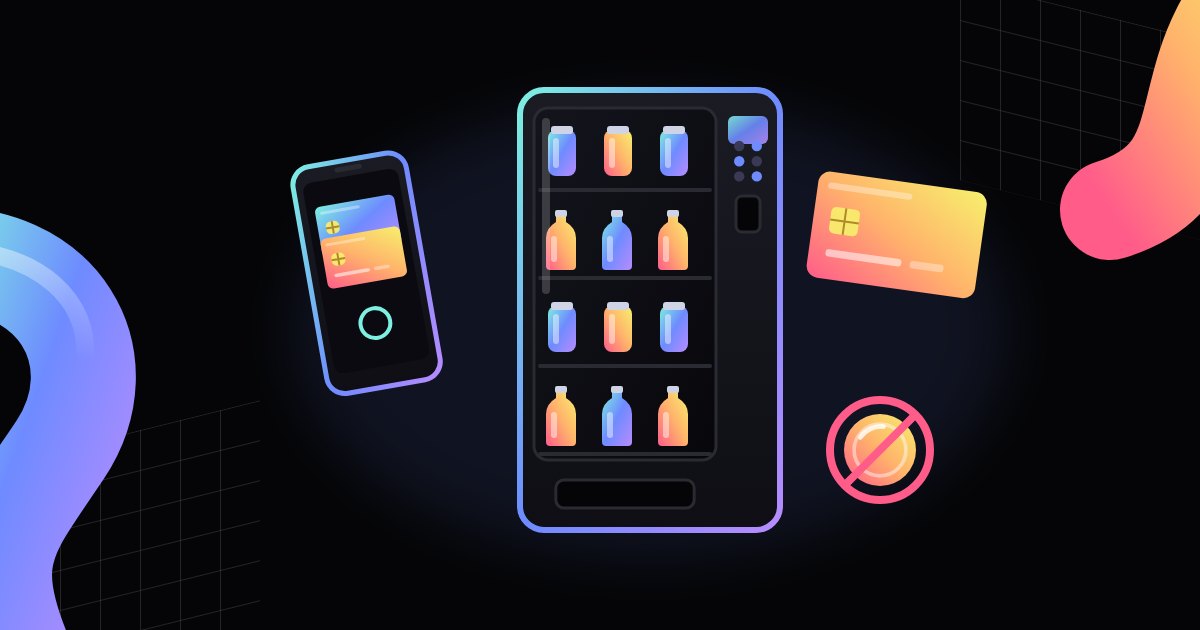
More and more machines take only cards and phones. Here is how they work and what it means for customers.
- How it differs from a regular machine
- How a purchase works
- Connectivity is a requirement, not an extra
- Benefits for the operator and the workplace
- Limits to keep in mind
- Where a cashless machine works
- How to check whether people pay cash
- Telling your coworkers
- Can cash be added later
- Refunds without coins
- Payment security
- Staff cards and other options
- What about visitors
- The reader gets dirty and breaks too
- Can every site go cashless
- Example: an office that changed how it pays
- What to check before you decide
- FAQ
An employee walks up to the machine with a phone in hand, taps it on the reader, and a moment later has a bottle of water. Nobody digs for coins or smooths out bills. A few feet away, a visitor stands with a coin between their fingers, looking for the slot. There isn't one. A cashless-only machine is convenient for some people and a problem for others. This article explains how it works, its pros and limits, where it fits, and what to agree on with the operator before you decide.
How it differs from a regular machine
A regular machine usually accepts payment several ways: a coin mechanism, sometimes a bill acceptor, and more and more often a card reader. A cashless-only machine drops cash entirely. Instead of a coin slot and a bill slot, it has a card and phone reader, usually contactless. Inside, there's no cash box and no coin tubes for change. Every transaction is settled electronically. From the outside, the difference can be small, but it changes how the machine is serviced, the role of connectivity, and who can use it. It isn't a separate type of machine, just a different payment setup.
How a purchase works
The customer picks a product on the keypad or screen. The machine shows the price and asks for payment. The customer taps a card, phone, or watch on the reader. The reader sends the transaction data to the payment system and waits for a response. Once the payment is approved, the machine's controller dispenses the product. If something goes wrong, for example the product gets stuck, the system may reverse the charge, or the operator handles a refund under its own procedures. The details depend on the reader and the system the operator uses. For the customer, the whole thing usually takes less time than hunting for coins, as long as the connection works.
Connectivity is a requirement, not an extra
A cashless machine needs a network connection to authorize payments. Most often it uses a cellular modem, sometimes Wi-Fi or a wired connection in the building. When connectivity fails, a machine without cash has no coin-based backup. Some systems handle limited offline transactions, but that depends on the reader and the operator's settings. So before installing one, check coverage at the exact spot where it will stand. A basement, the middle of a large building, or a room behind thick walls can have weak coverage. A few minutes with a phone in hand can save a lot of frustration later.
Benefits for the operator and the workplace
No cash changes the operator's work. There's nothing to collect, count, or transport. There are no coins to refill for change, and a common cause of breakdowns, the jammed coin slot, simply disappears. With no money inside, there's less reason to break in. Settlement is electronic, which makes sales reports easier. For the workplace hosting the machine, it usually means fewer "the machine ate my coin" complaints. That doesn't mean a cashless machine needs no service. The reader, the connection, and the machine itself still need care. Only the scope changes.
Limits to keep in mind
The biggest limit is obvious: someone without a card or a phone set up for payments can't buy anything. That includes some older people, kids, visitors from abroad whose cards don't always work as expected, and people who simply prefer cash. The second limit is dependence on connectivity and the payment system. A network or payment provider outage means a machine that doesn't sell. The third is small amounts. Some people don't like paying by card for a single candy bar, although that's changing. These limits don't rule out cashless machines, but they show that one doesn't fit everywhere.
Where a cashless machine works
It works best where you know the users and how they pay. An office where everyone has cards and phones. A plant with good coverage and a steady workforce. A coworking space, a gym, a modern office building. In places like these, cash is used rarely, and handling it costs the operator time. It works less well in places open to everyone: a train station, a hospital, places with many tourists or older visitors. There, going cashless can exclude some customers. The line isn't sharp. It's best to check how people actually pay at that spot before deciding.
How to check whether people pay cash
If your workplace already has a machine that takes both cash and cards, the operator can show what share of transactions are cash. That's the best starting point. If the cash share is small, switching to a cashless machine usually won't cause protests. If it's large, ask who pays cash and why. It might be one shift, one group of employees, or visitors. A short staff survey helps too. Keep in mind that people who pay cash don't always speak up in surveys. It's worth asking the people you see at the coin slot directly.
Telling your coworkers
A change in how people pay is something they'll notice immediately. It's better to give notice than to explain afterward. A short email or a note on the bulletin board is enough: from when the machine takes only cards and phones, why, and who to contact about problems. The machine itself should clearly say it doesn't take cash, ideally at eye level and not on a side panel. Otherwise, someone will spend a minute looking for the coin slot and then file a complaint. It also helps to post the operator's contact details and a short note on what to do if a payment doesn't go through.
Can cash be added later
It depends on the model. In many machines, the coin mechanism and the card reader are separate modules connected to the controller, so adding a coin slot is technically possible if the design allows it. In other machines, designed from the start as cashless, it may be difficult or impossible. So before choosing, ask the operator whether the setup can be changed if going cashless turns out to be a problem after all. It's a good safeguard. Flexibility matters most where the mix of employees or visitors may change.
Refunds without coins
With a cash machine, a refund often means coins or a phone call to the operator. With a cashless machine, the refund usually goes back to the card or account that paid. How it works depends on the payment system and the operator's procedures. Sometimes the charge is canceled automatically when the product isn't dispensed. Sometimes you need to report it to the operator, giving the time of purchase and the last digits of the card if the operator asks for them. The machine should show contact details for reports. Make sure employees know where to find them before the first problem, not after.
Payment security
Customers sometimes ask whether paying by card at a vending machine is safe. The operator and the payment provider behind the reader are responsible for payment security. A customer can take a few simple steps: check that the reader doesn't look damaged or tampered with, and report anything suspicious to the operator. The workplace hosting the machine shouldn't tinker with the reader or connect it to its own network without agreeing with the operator. If the machine is going to use the building's Wi-Fi, discuss the terms with the IT team and the operator together.
Staff cards and other options
Cashless doesn't have to mean bank cards only. At some companies, machines accept staff cards, the operator's app, or other systems where an employee tops up an account and pays from it at the machine. These setups come with their own settlement rules, which need to be agreed with the operator and the company's finance team. Not every machine or reader supports such options, so ask about them early. For some employees, this can be more convenient than a bank card, especially if the company subsidizes meals. The accounting and tax side of these setups is a conversation for your accountant, not the operator.
What about visitors
In many offices, employees aren't the only ones using the machine. Job candidates, couriers, clients, and service crews come through too. Most have a card or a phone, but not all. If the machine stands in reception or a visitor waiting area, the lack of cash may be an unpleasant surprise for someone. A simple fix is water for visitors at reception, separate from the machine. Another is keeping one cash-accepting machine in the area visitors use. You don't have to plan everything around the rarest case, but it's worth considering. Whoever staffs reception can quickly tell you how often someone asks for change. Their observations are worth more than many surveys.
The reader gets dirty and breaks too
A cashless machine has fewer moving parts, but the reader is still a device that works every day. Its screen gets scratched, buttons wear out, and the module sometimes loses connection or freezes. When the reader stops working, a cashless machine stops selling entirely, because there's no other way to pay. That's why a quick reporting path to the operator matters so much. Machines with telemetry often flag payment problems on their own, but not all of them do. If you notice several people in a row walking away without buying anything, report it, even if you don't know exactly what happened.
Can every site go cashless
It's a question worth asking before you put a machine in a place open to the public. In an office for your own employees, things are usually simpler than in a public building. We don't state any rules here, because they depend on the place and the situation. If you're unsure whether a given site can offer cashless payments only, ask a lawyer or the person responsible for the site. Institutions often have their own policies on this. A sensible compromise is a cash machine and a card reader side by side, at least at first.
Example: an office that changed how it pays
A company has a drink and snack machine in its kitchen that takes coins and cards. The office manager asks the operator for a payment breakdown. It turns out the vast majority of transactions are cards and phones. Cash is used mainly by a few people from the facilities team who start work very early. The office manager talks to them, and it turns out they all have cards but are used to coins. The company decides on a cashless machine, but first sends a note to the team and puts a sign on the machine a week ahead. The operator checks coverage during the swap. The first days go by without complaints, because nobody was caught off guard.
What to check before you decide
A short list for the conversation with the operator:
- what share of payments at that spot are cash today,
- what the network coverage is like where the machine will stand,
- what happens when connectivity fails and whether the system supports offline transactions,
- which payment methods the reader accepts: cards, phones, watches,
- how refunds work and where to report them,
- whether a coin mechanism can be added later if needed,
- how to inform coworkers and visitors about the change.
The page with vending machines (publisher's site) covers such setups and devices.
FAQ
Does a cashless machine work offline? In a limited way, if the system supports offline transactions. It depends on the reader and the operator's settings.
Can a coin mechanism be added? In many models, yes, if the design allows it. Ask the operator before you choose.
Where does a refund go if the product didn't drop? Usually back to the card or account that paid. The details depend on the operator's procedures.
Does a cashless machine suit every location? No. It works best where most people pay by card or phone.