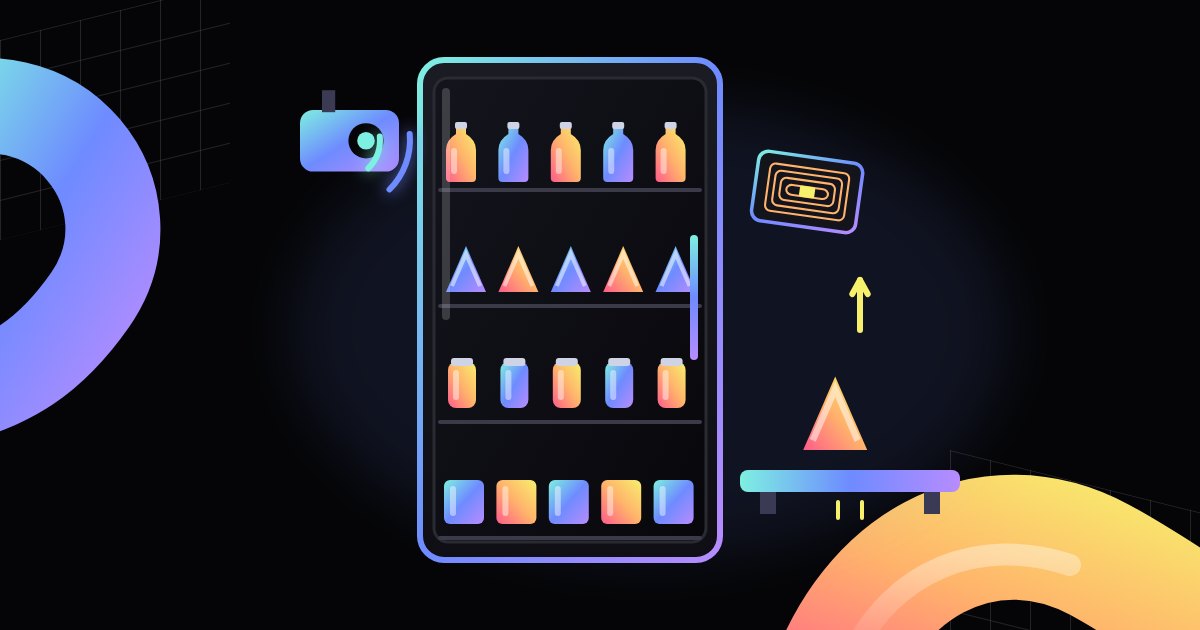
In a smart cooler, customers take items themselves. The device needs to know what they took. Here are the technologies that make it possible.
- How a purchase works
- Step by step
- The authorization hold
- Recognition technologies
- Shelf scales
- RFID tags
- Cameras
- Does a smart cooler record customers
- Comparing the methods
- Payments
- Telemetry and stock
- Restocking
- Stock differences and shrinkage
- Complaints
- Cooling and hygiene
- Service
- Common mistakes
- How to get started
- FAQ
A smart cooler looks like an ordinary glass-door fridge, but it works like a self-service store. The customer opens the door, takes what they need, closes it, and pays only for the items they took. How does the device know what was taken? This guide explains how a purchase works, which recognition technologies are used, how they differ, and what that means for operators when choosing, placing, and running a cooler day to day.
How a purchase works
A smart cooler first authorizes a payment, for example by card, then unlocks the door, and after it closes works out which items were taken and charges only for those. Recognition uses shelf scales, RFID tags, or cameras with software, depending on the model. For the customer, buying is quick and feels much like reaching into a regular fridge.
Step by step
A typical purchase goes like this:
- the customer taps a card or phone,
- the terminal places an authorization hold,
- the lock releases the door,
- the customer takes items and closes the door,
- the system identifies the items and settles the transaction.
Each step should be clear to the customer. Short instructions on the door or screen help a lot with the first few purchases.
The authorization hold
Why is the hold higher than my purchase? The terminal places a hold before unlocking. In the end, only the items taken are charged. Many customers are surprised by this, so it is worth explaining on a sticker by the terminal or in a short on-screen message. How quickly the hold is released depends on the customer's bank and the payment provider.
Recognition technologies
Shelf scales detect weight changes. RFID reads tags on products. Cameras analyze shelf images. Each method has its own requirements, such as for packaging and product layout. The choice of technology affects costs, product range, and how restocking works, so it is worth knowing the strengths and limits of each.
Shelf scales
Scales under the shelves measure how much the weight changed after the door closed. From that, the system works out which product was taken. This method works best when products on a shelf have clearly different weights, or when each shelf or section holds a single product. It requires careful placement when restocking, because a product put back in the wrong spot may be counted wrongly.
RFID tags
With this method, every product carries an RFID tag, and the cooler reads which tags are gone after the door closes. It lets you arrange products freely, but every item has to be tagged. That means the cost of tags and extra time preparing stock. Some packaging can interfere with reading, so test your product range before rollout.
Cameras
Cameras analyze images of the shelves before the door opens and after it closes, and software compares what is missing. This method works without tags, but products need to be clearly visible and the lighting has to be right. The manufacturer usually specifies how to arrange stock so the system recognizes it correctly. New products may need to be added to the system before they go on sale.
Does a smart cooler record customers
Does a smart cooler record customers? It depends on the model – cameras may analyze only images of the shelves. If the device processes personal data, the data controller, usually the operator, provides information about it. An operator choosing a camera-based cooler should know exactly what the images cover and how they are processed. Ask the manufacturer, and prepare how you inform customers with a lawyer or a data protection specialist.
Comparing the methods
Each method has different strengths:
- scales are relatively simple but need tidy shelves,
- RFID allows free arrangement but needs a tag on every item,
- cameras need no tags but need products to be clearly visible.
Some devices combine several methods. The right choice depends on your product range, location, and how your team works.
Payments
Most coolers take card and phone payments through a contactless terminal. Some also work with the operator's app or an employee card. Ask the supplier which methods are available, how authorization works, and how large the hold is. A hold that is too high can put customers off, so match it to the typical basket value if the system allows.
Telemetry and stock
A cooler that knows what was taken also knows what is left. With telemetry, the operator sees stock remotely and can plan restocking without guessing. Sales data shows which products sell fastest and which sit on the shelf. That is especially valuable for short-dated products such as sandwiches and salads.
Restocking
How you restock depends on the technology. With scales, you have to follow the planogram, the fixed layout of products on the shelves. With RFID, every item must be tagged before it goes in. With cameras, products should be placed as the manufacturer recommends, facing the camera and not blocked. Train the people who restock and give them a simple guide.
Stock differences and shrinkage
No system is perfect. Sometimes the stock in the system won't match what is actually on the shelves. The cause may be a product put back in the wrong place, a damaged tag, or an item blocked from the camera's view. At every restock, compare actual stock with the system and log any differences. If they keep showing up for the same product or shelf, check the settings or change the layout.
Complaints
Sometimes the system miscounts an item, for example when a customer puts something back on a different shelf. Customers should have a simple way to report it: a phone number, a QR code, or a form in the app. Decide who handles reports and how quickly. Review complaints, because they often point to a product layout problem or a system setting.
Cooling and hygiene
A smart cooler is a fridge first. Look after the temperature, clean shelves, and tight door seals. Clean the condenser regularly as the manufacturer's manual describes. With cameras, also keep the glass and lenses clean, because dirt can interfere with recognition. With scales, check that no crumbs or spills are left on the shelves to throw off the weight reading.
Service
The recognition parts need the same attention as the cooling. Scales may need calibration, RFID readers checking, and cameras cleaning and software updates. The manufacturer gives recommendations. Agree an inspection schedule with your service company and a way to report recognition problems. Log customer reports, because they help spot faults.
Common mistakes
A few mistakes come up again and again:
- choosing a technology without testing your own products,
- no planogram, or an outdated one,
- untagged products with RFID,
- no information for customers about the hold,
- an awkward way to report complaints.
Most of them can be avoided with good preparation and team training.
How to get started
You can work through a few steps:
- list the products you plan to sell,
- compare technologies and ask for a test,
- check payment methods and telemetry,
- prepare a planogram and a guide for your team,
- prepare customer information about buying and the hold,
- set up how complaints will be handled.
A well-prepared smart cooler is convenient for customers and predictable for the operator.
Related reading: Touchscreens in Vending Machines and The Cup Dispenser.
FAQ
Why is the hold higher than my purchase? The terminal places a hold before unlocking. In the end, only the items taken are charged.
Does a smart cooler record customers? It depends on the model – cameras may analyze only images of the shelves. If the device processes personal data, the data controller, usually the operator, provides information about it.
This article is general information only and is not legal advice. The rules for processing personal data in a given system are set by its controller.