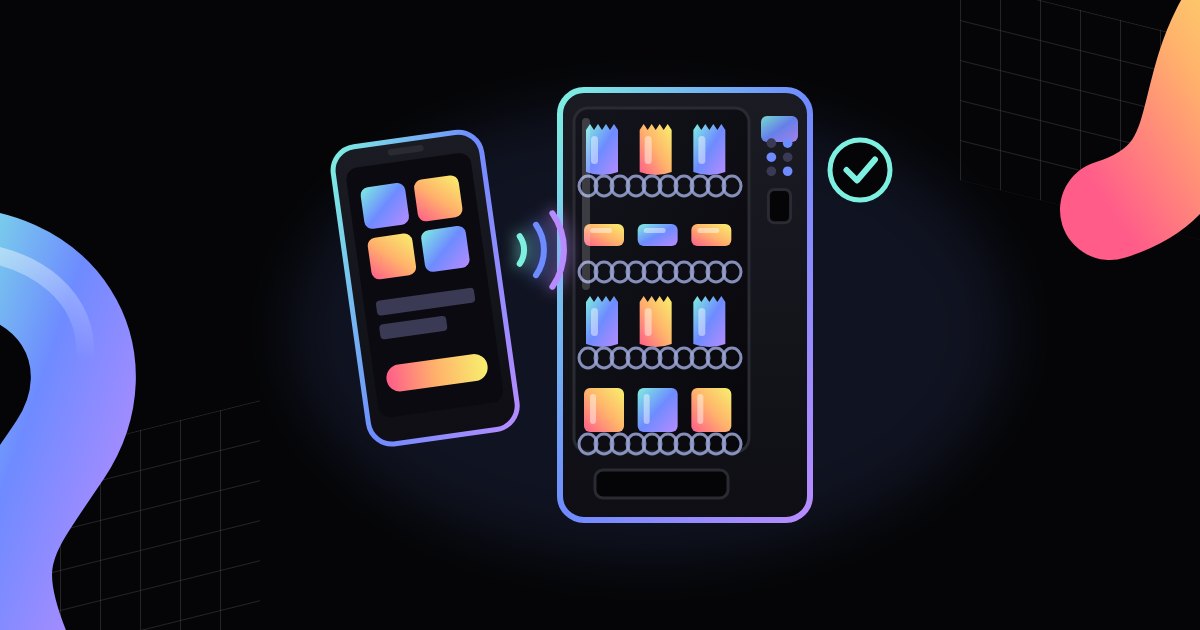
Some machines support purchases through the operator's app. The phone becomes both the keypad and the wallet.
- How the app works
- How a purchase goes
- The QR code
- Short-range connection
- Does the app work at every machine
- Do customers need internet
- Data in the app
- Screen vs. app
- Benefits for customers
- Benefits for operators
- Rollout step by step
- Choosing a system provider
- Sign-up and first use
- Payment methods in the app
- Balance and top-ups
- Promotions in the app
- Accessibility
- Security
- Sales data
- Apps at the workplace
- Testing on site
- Training your team
- Updates and development
- Costs
- Talking to customers
- Handling complaints
- When the app is down
- Common problems
- How to get started
- FAQ
More and more vending machines let people shop with their phone: no coins, no tapping a card. For customers it is convenient, and for operators it is a way to stay in touch with users, run promotions, and get better sales data. This guide explains how buying through an app works, what customers and operators need, what to watch for during rollout, and how to avoid common problems.
How the app works
A vending app links your phone to a specific machine – usually by scanning a QR code or a short-range wireless connection – lets you choose a product, pay in the app, and sends the machine a dispense command. Features depend on the operator: some apps also keep purchase history or run a loyalty program. For the user, the whole process usually takes a few moments, as long as the connection works smoothly.
How a purchase goes
A typical purchase looks like this:
- scan a code or pick the machine in the app,
- choose a product,
- pay in the app,
- the machine dispenses.
Each step should be simple and clear. If any of them is awkward, customers will quickly go back to paying by card or give up on the purchase.
The QR code
A QR code on the machine is the simplest way to link a phone to the device. The customer opens the app, scans the code, and sees the right machine straight away. The code should be clearly visible, placed where light doesn't glare off it, and at a comfortable height for scanning. Check regularly that it isn't scratched, dirty, or covered by a sticker.
Short-range connection
Some systems link the phone to the machine wirelessly when the customer is standing next to it. That is convenient because there is nothing to scan, but the right feature has to be switched on in the phone and the app needs permission to use it. Explain clearly in the app what it needs, and suggest what to do when the connection fails.
Does the app work at every machine
Does the app work at every machine? Only at the operator's own machines. A customer with one operator's app can't use it to pay at another company's machine. That is why it is worth clearly marking machines that support the app, for example with a sticker showing the app's name and a code to download it.
Do customers need internet
Do I need internet? Usually yes, at least for payment. The customer's phone needs a connection so the app can process the payment and send the command to the machine. In places with weak coverage, such as basements, large halls, or underground parking, buying through the app can be difficult. Check coverage at the location before rollout.
Data in the app
An app may process personal data, such as account details and purchase history. The data controller, usually the app operator, provides this information, for example in its privacy policy. An operator rolling out an app should make sure the privacy policy is easy to find in the app and written in plain language. It is worth preparing the details with a lawyer or a data protection specialist.
Screen vs. app
An app complements the machine's panel rather than replacing it. The page on touchscreen vending machines (publisher's site) covers devices with richer interfaces. Not every customer has the app or wants to install it, so the machine should still accept other forms of payment.
Benefits for customers
Customers gain a few things:
- a quick purchase without cash or a card,
- a view of products and prices on their phone,
- purchase history,
- access to promotions and a loyalty program, if the operator offers them.
These benefits show most in places where customers come back regularly, such as offices, schools, or workplaces.
Benefits for operators
For operators, an app is more than another payment method. It lets you communicate with customers, offer promotions, and better understand what sells and when. Sales data from the app, combined with telemetry, helps plan the product range and routes. Using customer data does require clear rules, set out in the privacy policy.
Rollout step by step
Plan the rollout in stages:
- check that your machines are compatible with the chosen system,
- test the app at a few locations,
- prepare labels for the machines,
- tell customers how to get started,
- collect feedback and problem reports,
- extend the rollout to more machines.
A pilot at a few sites lets you catch problems before they affect the whole fleet.
Choosing a system provider
If you aren't building your own app, you are choosing a system provider. Ask about compatibility with your machines, setup costs and payment fees, technical support, whether the app can carry your own branding, and features such as promotions and purchase history. Also ask how the provider approaches security and data protection. Have a lawyer review the contract terms.
Sign-up and first use
The first few minutes with the app decide whether a customer sticks with it. A long sign-up form, lots of consent boxes to tick, and several steps to confirm an account are off-putting, especially for someone standing at the machine who just wants a drink. Keep sign-up to the essentials and let people add a payment method quickly. Test the process with a few people who don't know the app, and time their first purchase.
Payment methods in the app
Depending on the system, the app may support different payment methods: a card saved in the app, a digital wallet on the phone, a prepaid balance, or a budget provided by an employer. Each has different costs and a different level of convenience for the customer. Ask the system provider which methods are available and what fees apply. Choose the ones customers at your locations use most.
Balance and top-ups
Some apps let customers top up a balance and pay from it with each purchase. That is convenient for frequent small purchases and can lower fee costs. The customer should always be able to see their current balance and top-up history. Spell out the rules for refunds of unused funds and other balance terms clearly in the terms of use, prepared with a lawyer.
Promotions in the app
An app makes it possible to run promotions: a discount on the first purchase, lower prices at certain times, a free product after several purchases. Promotions help persuade customers to download the app, but they should be easy to understand. Describe the rules of each promotion briefly and clearly. Measure which promotions actually lift sales and which only cut into your margin.
Accessibility
The app should be easy to use for as many people as possible. Readable fonts, clear buttons, good contrast, and simple messages help older users and people with low vision. Check that the app works on older phones and different operating systems. Remember that the machine should still take other payments for people who don't use the app.
Security
Customers trust the app with their payment details, so security matters a lot. Ask the system provider how it protects data and payments, how often it updates the app, and how it responds to problems it detects. Encourage customers to keep the app updated. Internally, limit access to the admin panel to the people who need it.
Sales data
An app provides data you can't collect from cash sales: purchase times, popular products at specific locations, and how well promotions work. Use it to plan the product range, prices, and restocking routes. The privacy policy sets the rules for using customer data, so keep your analysis within it.
Apps at the workplace
In offices and plants, the app can work alongside employee perks, such as an employer subsidy on drinks or a per-person budget. Ask the system provider whether it supports this and how billing with the company works. Agree the perk rules with the employer; the employer settles tax questions with its own accountant.
Testing on site
Before you announce the app, test it on site. Try a purchase on several phones, at different times of day, and with different signal strength. Time the purchase from scanning the code to the product dropping. Check what happens if the connection drops during payment. Write down the results and go over them with the system provider before you roll out the app to more machines.
Training your team
The people who run routes often get questions from customers. Show them how the app works, how to help a customer with their first purchase, and how to report a problem with a machine or a QR code. Prepare a short guide with the most common questions. A well-informed team solves small problems on the spot faster.
Updates and development
The app needs updates: new phone operating system versions, bug fixes, and new features. Agree with the provider how often it releases updates and how it announces changes. Collect customer feedback and pass ideas for improvements to the provider. Track how many people use the app and how that share changes over time.
Costs
When planning your budget, include system fees, payment fees, the cost of machine labels, and launch promotions. Weigh them against the benefits: higher sales, less cash to handle, and better data. Check tax treatment with your accountant.
Talking to customers
Customers need to know they can pay with the app and how to start. A sticker on the machine with a download code, short instructions, and a launch promotion are a good start. In offices and plants, ask the facilities team to pass the information on to employees. The first purchases should be as simple as possible.
Handling complaints
When a payment goes through but the product doesn't drop, the customer wants their money back quickly. The app should offer a simple way to report a problem, ideally linked to the specific transaction. Decide who handles reports and how fast. A quick, polite response builds trust in paying by phone.
When the app is down
An outage in the app's payment system is rare, but you need to be ready for it. A customer at the machine should know they can pay another way. A note on the machine about other payment methods and an in-app message about a temporary problem reduce frustration. Agree with the provider how quickly it reports outages and how long fixes take.
Common problems
A few problems come up often:
- no coverage at the location,
- an unreadable or damaged QR code,
- a long sign-up process in the app,
- no information on which machines support the app,
- an awkward way to report a complaint.
Most of them can be solved before rollout by testing the app in real conditions.
How to get started
If you are considering an app, you can work through a few steps:
- check that your machines are compatible,
- compare system providers,
- prepare the privacy policy with a lawyer,
- test the app at a few locations,
- label the machines and tell customers,
- collect feedback and improve the process.
A well-implemented app is a convenient addition to other forms of payment.
Related reading: Employer Subsidies in Vending.
FAQ
Does the app work at every machine? Only at the operator's own machines.
Do I need internet? Usually yes, at least for payment.
This article is general information only and is not legal advice. The rules for processing personal data in a given system are set by its controller.